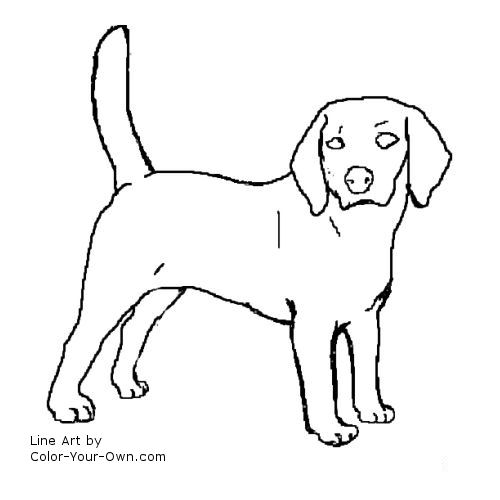
Instructions
To color the drawing on your computer:
- Right click and chose "save as". Save the file somewhere you can find it easily!
- Then open your graphics program (almost every computer with Windows will have Paint - look under Programs>Accessories>Paint - or you may have a graphics program installed that you like :D)
- Open the file you just saved and have fun coloring!
OR
- Right click and chose "copy".
- Open your graphics program and chose "edit" and then "paste". I know this works with Paint Shop Pro 6 through 9 for sure. That is the program I use, so I don't really know if it works with other programs, but I bet it does.
The file is a jpg, which should make it compatible with almost every graphics program around. I think. o.0
To Print out and color:
Just click on the "Print" button above. Most computers should print it right out and it should fit on a standard 8 1/2 inch by 11 inch piece of paper. Because some computers are different, I can't guarentee that it will work on every computer.
If it doesn't work, try; - The "print" button on your Internet Explorer - it's at the top.
- Put the drawing into a graphics program on your computer using the instructions above, then follow their directions to make it a printable project.
Don't forget to read The Rules!
Hope this gets you going on your project! Enjoy!
All artwork on this page is © Summer Fey Foovay and may be used only as specified by The Rules stated here.
|